Making spaces for life™
2020 provides end-to-end software solutions for designers, manufacturers and retailers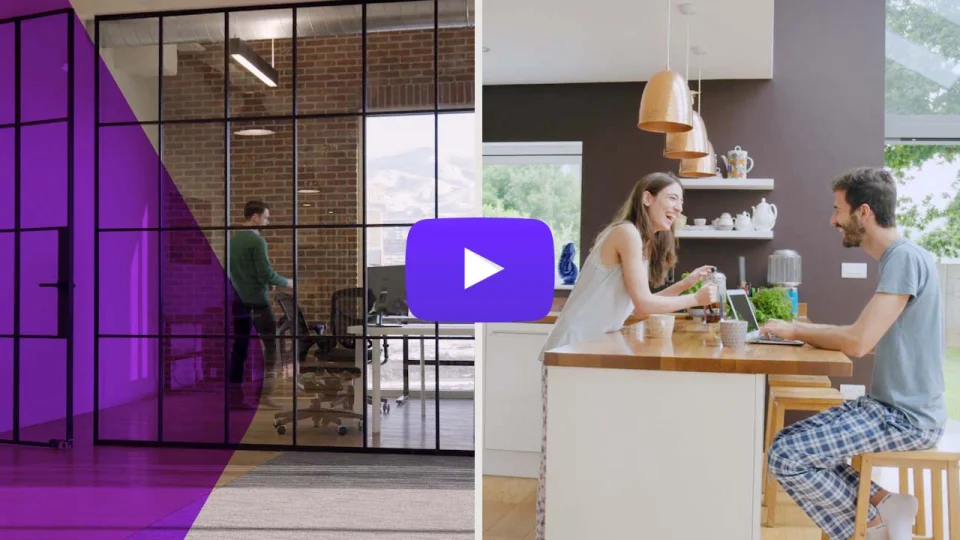
Find the software solution that's right for you
From inspiration to installation, 2020 helps you make great spaces for life

Interior design software
Bring spaces to life with our kitchen design software and bathroom design software for professional designers looking for robust solutions.
Learn more

Office design software
Do more than just space planning when you manage your projects with our office design software solutions—design, specify and visualize in one seamless workflow!
Learn more

Manufacturing solutions
From custom cabinetmakers to large factories, our manufacturing solutions help optimize and automate every step of your operations, creating a seamless flow of information.
Learn more

Retail solutions
Provide a true omnichannel experience with our cloud-based 3D space planning solution for home centers, furniture retailers and manufacturers.
Learn more






2020 Blog

Five luxury materials to help high-end clients upgrade their spaces
October 3, 2023
Three ways office designers can create the workplace of the future
September 25, 2023

Five ways industry-specific ERP software helps manufacturers capitalize on custom orders
September 18, 2023

How interior designers can help clients get the most value from their renovations
August 11, 2023